You are on your first safari in the Serengeti. A lion is resting beneath a tree, and you raise your camera to capture the moment. Suddenly, it stands up and begins walking. There is little time to adjust complicated settings. This is where automatic camera modes can be useful. You do not need to shoot in Manual mode to take beautiful wildlife photographs.
Full Auto mode on safari
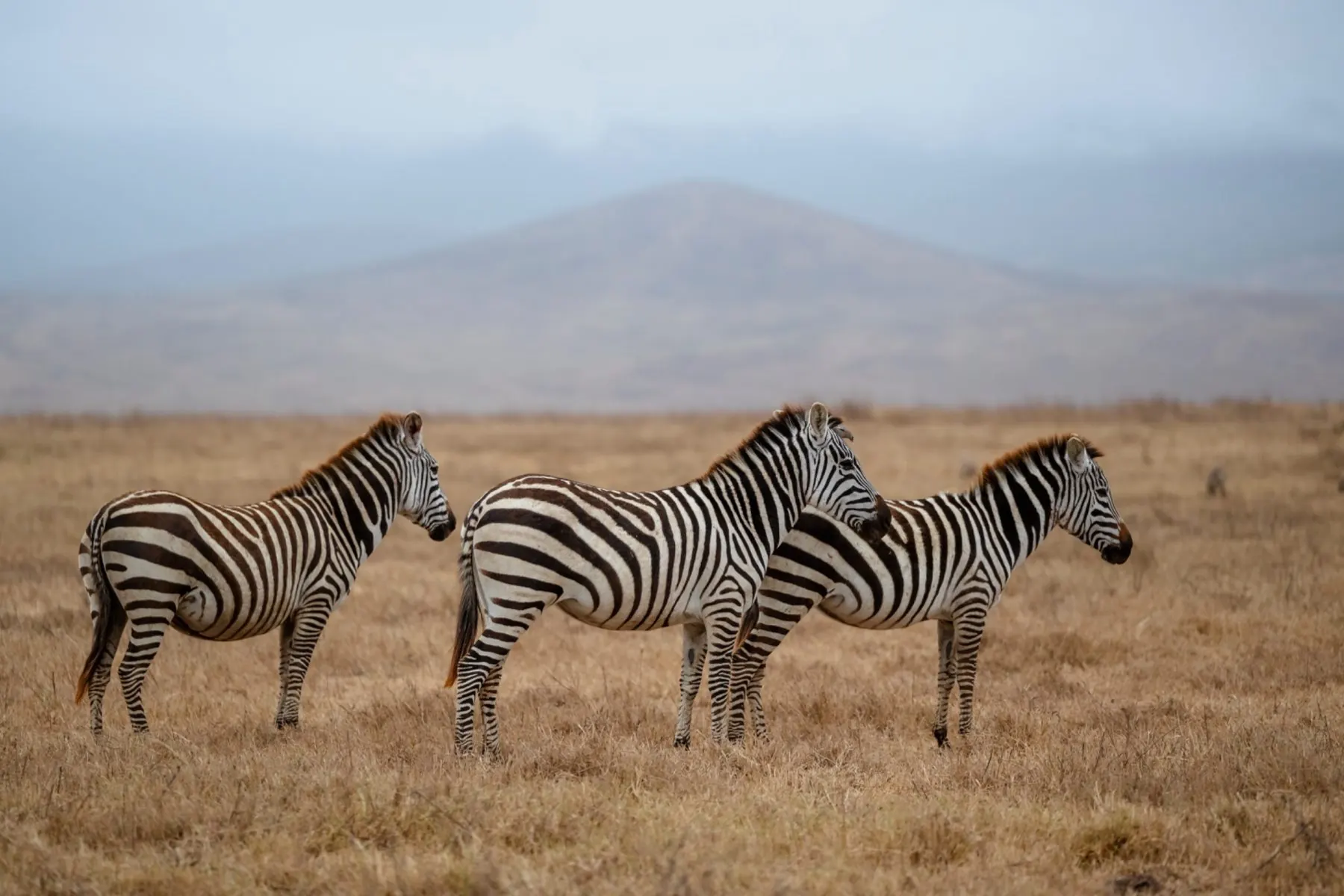
Yes, especially for beginners. Full Auto selects exposure settings so you can concentrate on framing and the animal. It can work well for an elephant standing in daylight. Its limitation is that it may select a shutter speed too slow for moving wildlife. Learning one or two semi-automatic modes gives you more control without requiring you to manage every setting.
Shutter Priority for movement
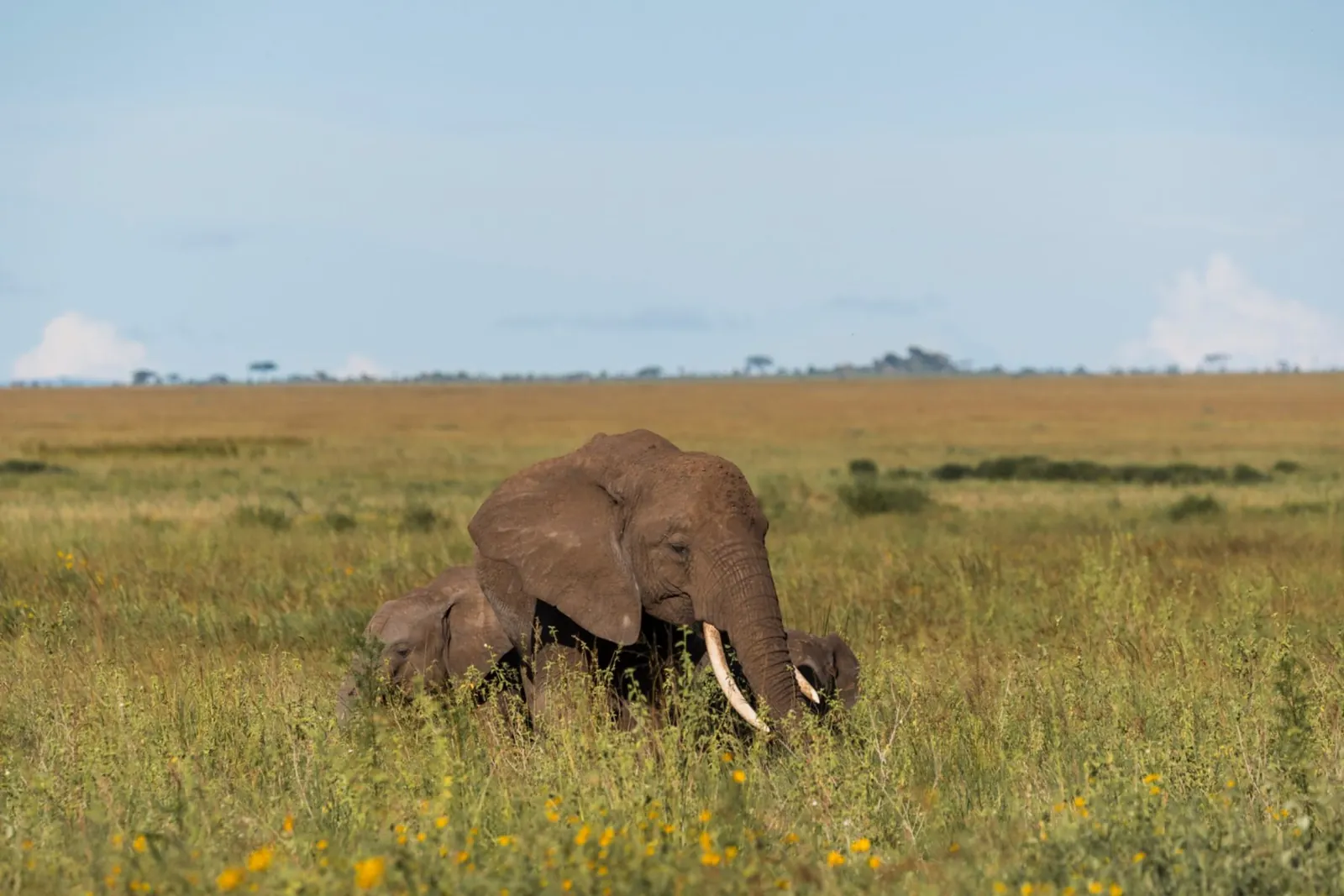
Shutter Priority is labelled S on Sony and Nikon and Tv on Canon. You choose the shutter speed while the camera controls aperture, with Auto ISO available to adjust sensitivity. Around 1/500 second may work for a resting animal, 1/1000 for walking wildlife and 1/2000 or faster for running animals and birds. These are starting points; the lens, available light and camera movement all affect the result.
Imagine a lion standing up unexpectedly after resting in the shade. In Shutter Priority, you can raise the shutter speed without manually balancing every exposure setting. The camera can adjust aperture and, if enabled, ISO within its limits. For a moving animal, start around 1/1000 second and increase the speed for faster action. If the image becomes too dark, remember that automatic exposure cannot create light: you may need a slower speed, different framing or to accept a higher ISO.
Aperture Priority for wildlife
Aperture Priority is labelled A on Sony and Nikon and Av on Canon. You choose the aperture while the camera selects shutter speed. This is useful for portraits of relatively still animals and for controlling background blur. Watch the shutter speed: if it becomes too slow, photographs can blur, particularly with 500mm, 600mm or 800mm lenses.
The role of Auto ISO
Safari light changes quickly between open plains, shaded trees and early morning drives. Auto ISO lets the camera adjust sensitivity automatically. Combined with Shutter Priority, it can simplify photographing moving wildlife. In very low light, the camera may still struggle to expose correctly at a fast shutter speed; you may need to adjust your approach.
Automatic modes with telephoto lenses
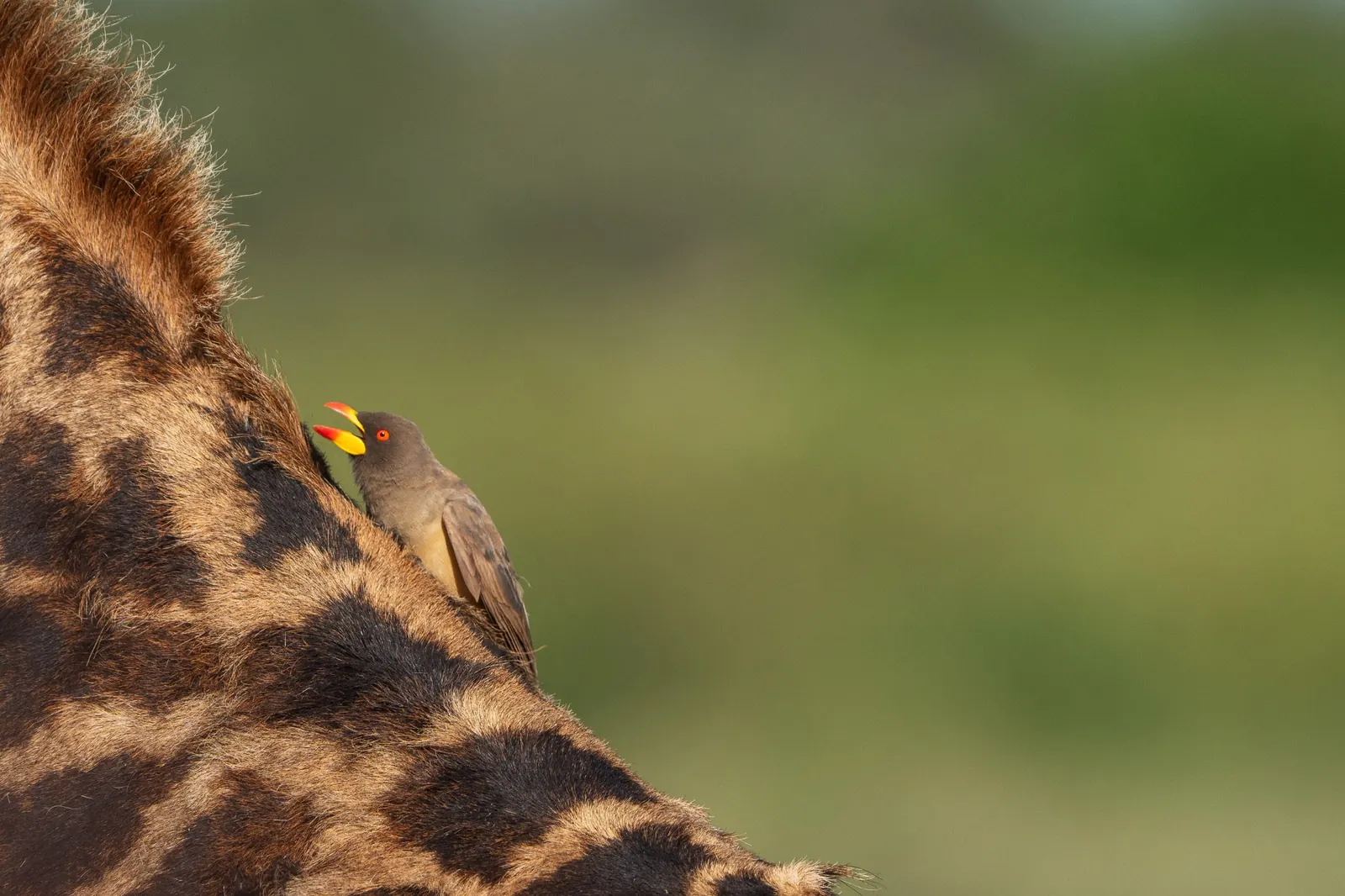
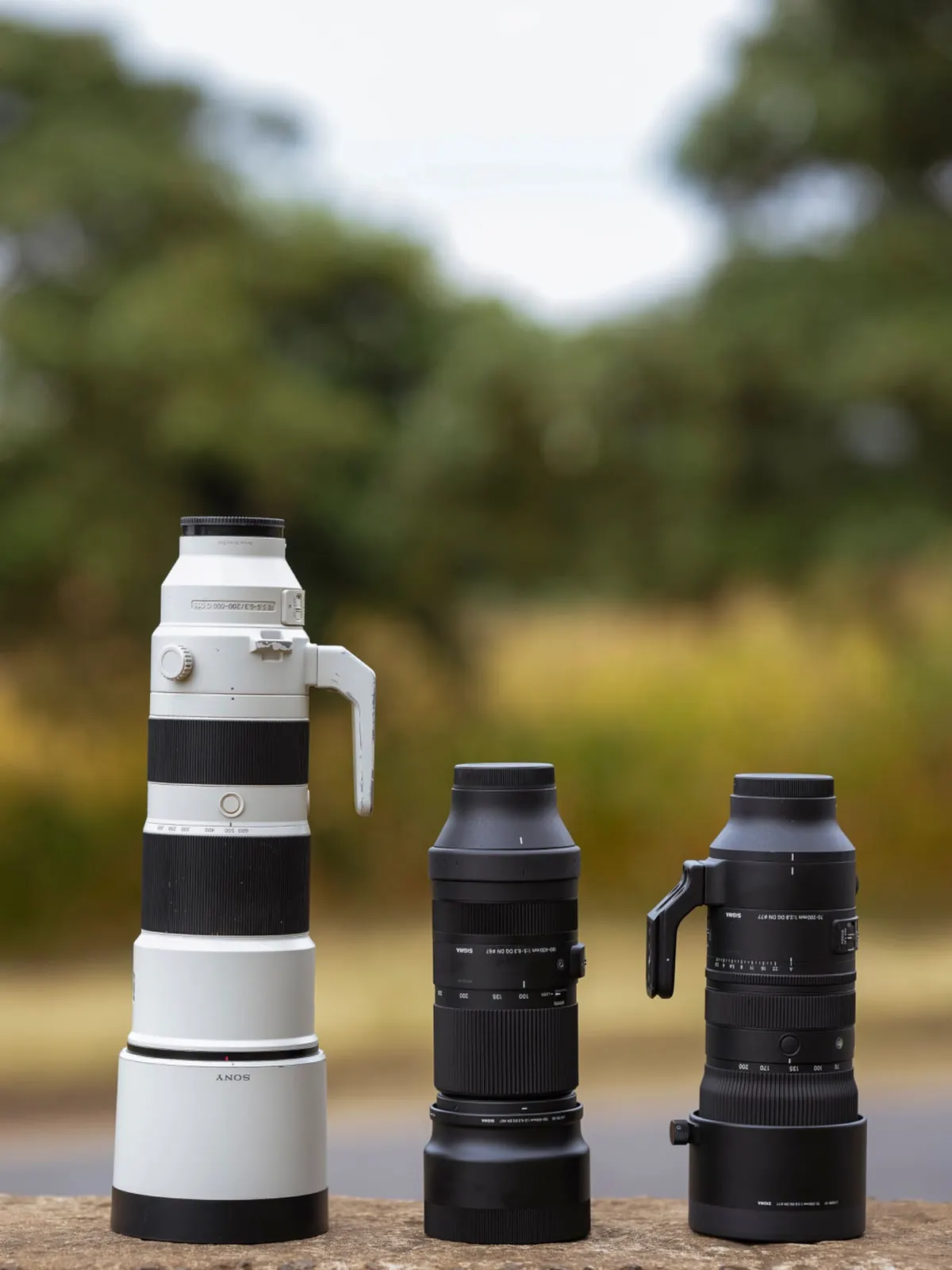
Yes. They can be used with the Tamron 50–400mm, Tamron 150–500mm, Sony 200–600mm, Nikon 180–600mm, Canon RF 200–800mm and Sony FE 400–800mm. At long focal lengths, stable handling matters. If you are photographing a distant black rhino in Ngorongoro at 800mm, a suitably fast shutter speed can help limit blur from camera movement. Continuous autofocus is also important for moving animals.
They do, but a longer focal length makes small movements more visible. A Canon RF 200–800mm or Sony FE 400–800mm may need a faster shutter speed than a shorter zoom when handheld. Continuous autofocus is a separate setting from exposure mode, so check both before the encounter. On Sony APS-C cameras with a Tamron 50–400mm or 150–500mm, practise keeping a moving animal in the narrower field of view. Full Auto is a valid starting point; the goal is gradually learning which setting solves which problem.
A practical starting point
Begin with Full Auto if you are unfamiliar with the camera. Then try Shutter Priority and Auto ISO for moving wildlife, and Aperture Priority for slower subjects. Lens On Safari Camera Rentals helps customers understand essential controls during equipment handovers so they can spend less time adjusting settings and more time enjoying their safari.